
How Booking Works
Build your package online, secure your date at checkout, then use your customer portal for wedding details, team updates, payments, and delivery.

Build your package
Start with your city, date, and photo or video needs. Choose a package or customize coverage, with pricing updating as you go so you know what is included before checkout.
- —Transparent package and add-on pricing
- —Photo, video, or combined coverage
- —Optional consult if you want Adam's recommendation
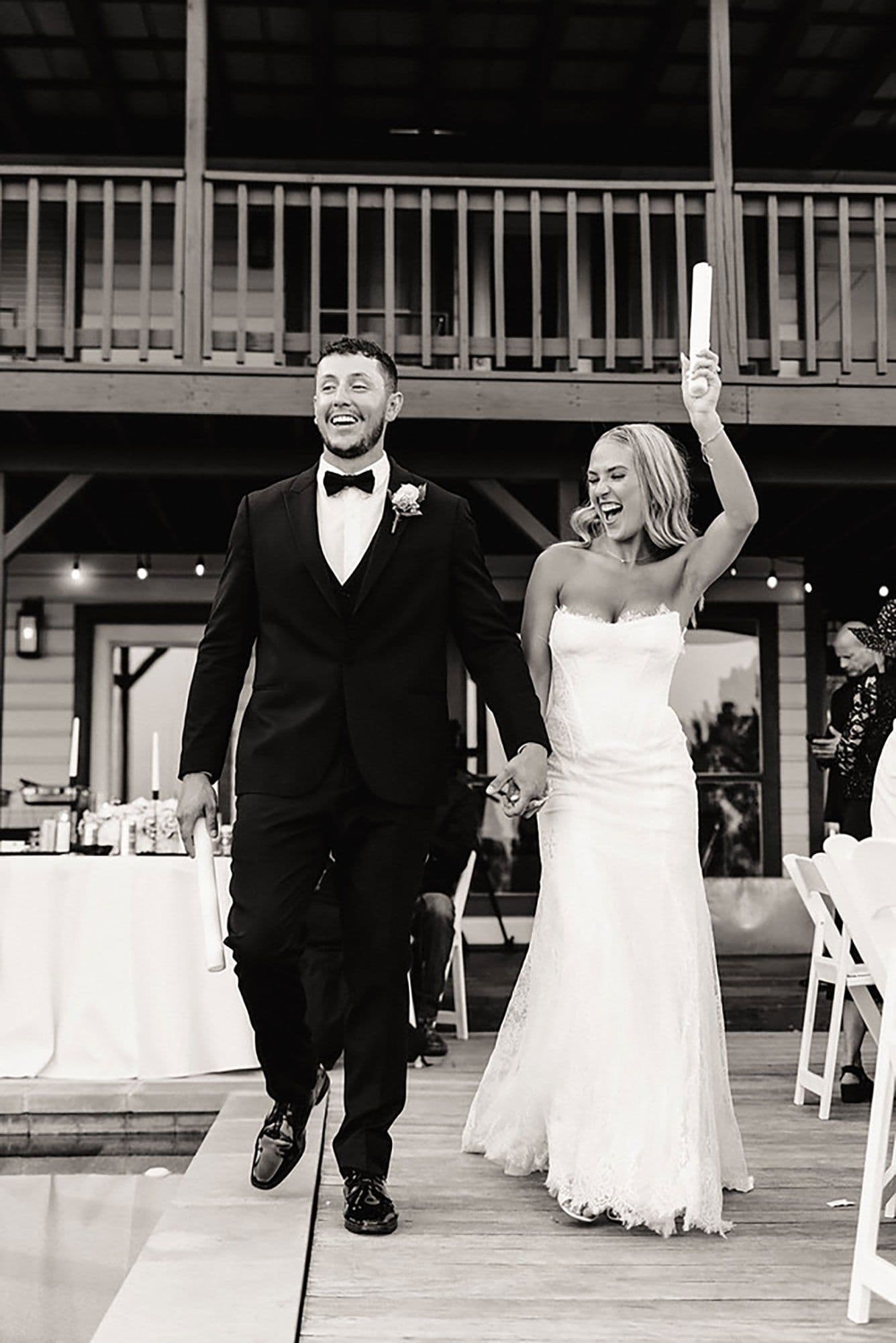
Choose your team path
Browse our vetted photographers and videographers, or let the studio recommend the right team based on your wedding date, location, style, and coverage needs.
- —Curated roster, not an open marketplace
- —Portfolio and style info available before booking
- —Every team member is reviewed by our studio
Complete checkout online
When the package looks right, complete your booking through the site. Review the terms, choose your payment setup, and pay your deposit in one checkout flow.
- —Everything happens in checkout
- —Terms, deposit, and confirmation in one place
- —Date confirmed when checkout is complete

Use your customer portal
After booking, your portal becomes home base. Enter wedding details, upload inspiration, view your team, track tasks, and manage payments without digging through email threads.
- —Wedding details questionnaire and timeline
- —Team assignments and contact info when confirmed
- —Billing, scheduled payments, and payment history

Be present
Before the wedding, we coordinate the details with your team. Afterward, your photos and video live in your online gallery, with revision requests handled through the same portal.
- —Day-of coordination handled by Double Knot
- —Photos and video delivered online
- —Revisions until everything feels right
Fewer loose ends, start to finish.
The booking flow confirms the essentials up front. The portal keeps the rest organized: details, payments, staffing updates, delivery, and revisions.

Dual Memory Cards
Every moment is captured twice in camera, so your coverage is protected from the first shot of the day.

Backup Talent Ready
If a team member gets sick or has an emergency, the studio can step in with vetted backup talent instead of leaving you to solve it.
Portal Details Checklist
Your portal prompts you for timelines, VIPs, family shot lists, inspiration, and wedding notes before the day arrives.

Gallery & Revision Hub
After delivery, review your media online, download what you need, and request edits from the same booking workspace.


Your customer portal keeps the work organized.
Once checkout is complete, your booking dashboard shows what is done, what is next, and where every important detail lives.
Wedding Details
Enter your timeline, locations, VIPs, family groupings, and must-have notes in one place.
Team Information
View assigned photographers and videographers, their roles, and contact details once your team is confirmed.
Inspiration Board
Upload reference images, links, and notes so your team understands the moments and style you care about.
Payments & Tasks
Track your deposit, balance, scheduled payments, payment history, and remaining to-dos.

Ready to book your wedding coverage?
Start with your date, city, package, and team preferences. If you want help deciding, Adam is still one click away.